
Windows, macOS & Linux
Native installers include the application and .NET runtimes. No separate Node.js or .NET installation is needed. Available packages depend on the published release manifest.
BABEL DESKTOP
A cross-platform app around the real Babel engine. Build your project graph, configure protection, run the engine and inspect the results without leaving the workspace.
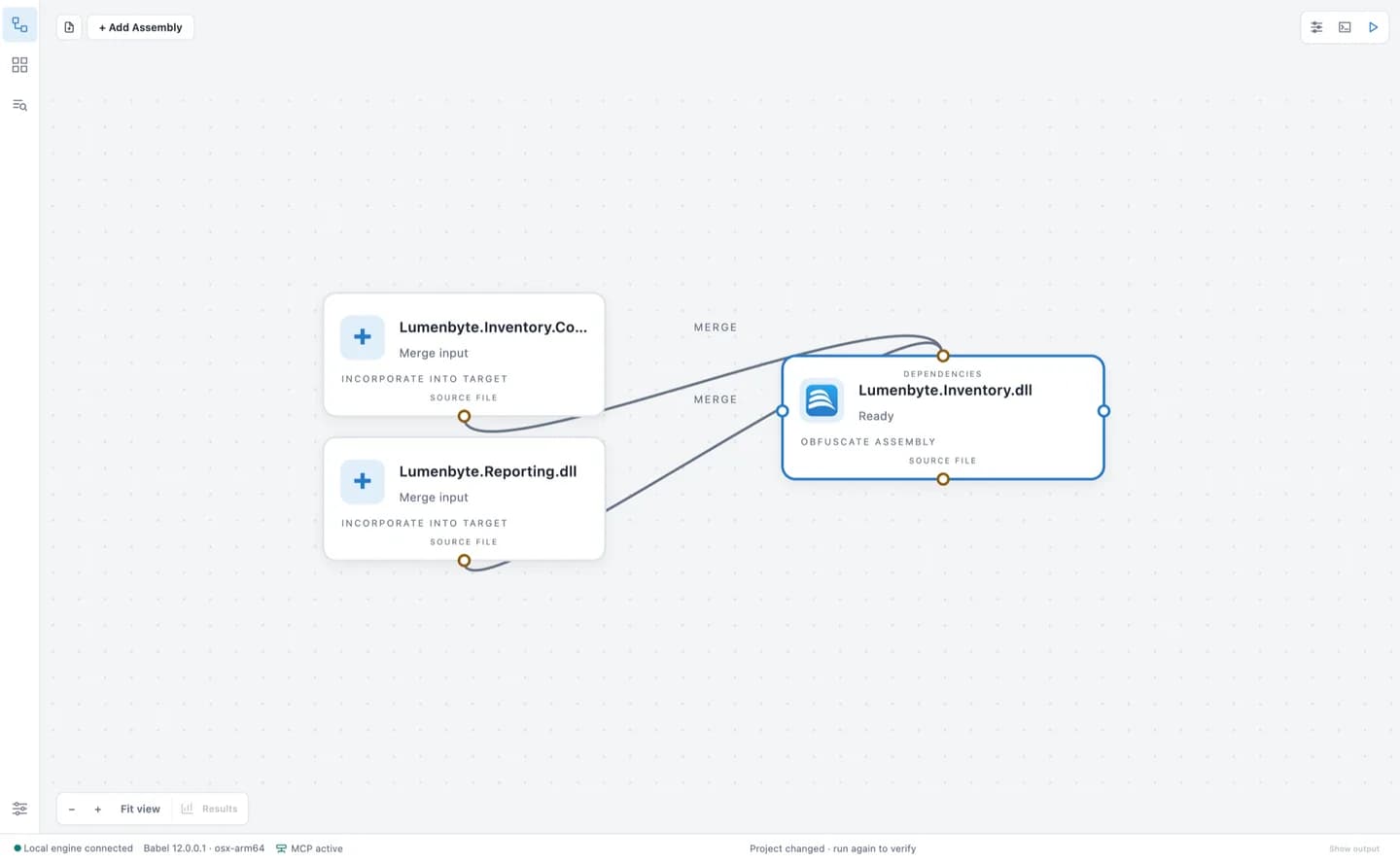
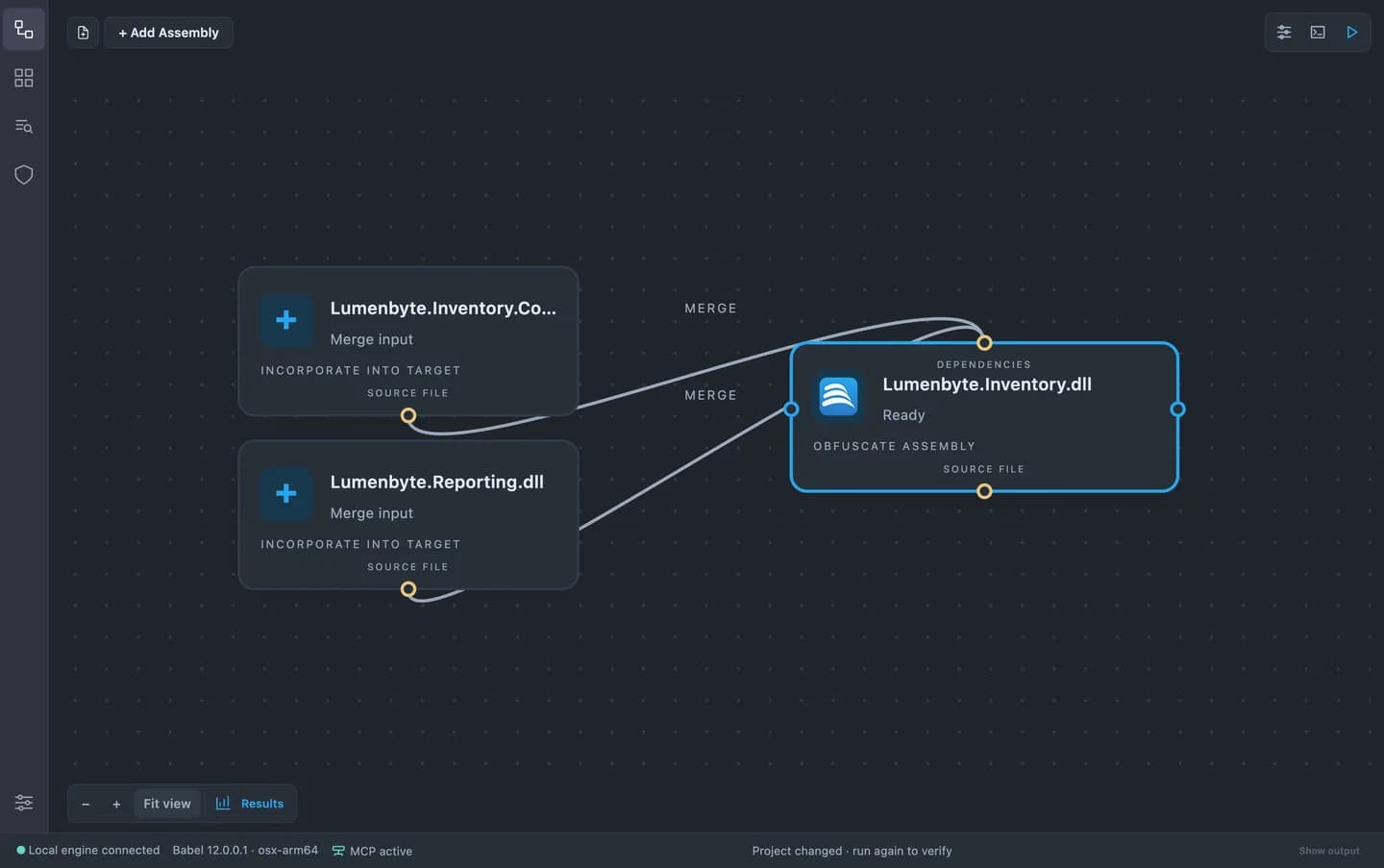
Native installers include the application and .NET runtimes. No separate Node.js or .NET installation is needed. Available packages depend on the published release manifest.
Download an installer and run it in demo mode without a license. To evaluate the fully enabled app, sign in and request a time-limited trial license.
Desktop is included with every edition. It replaces the discontinued Babel UI and is installed under the application name Babel Obfuscator.
01 / BABEL DESKTOP
Open .babel projects and organize targets, references, merging and embedding on a visual canvas. Use the property editor or validated XML rules to control the engine.
Read the documentation02 / BABEL DESKTOP
Follow progress and warnings, cancel a run, then inspect results and statistics. A built-in warning reference and stack decoder keep diagnostics close to your project.
Read the documentation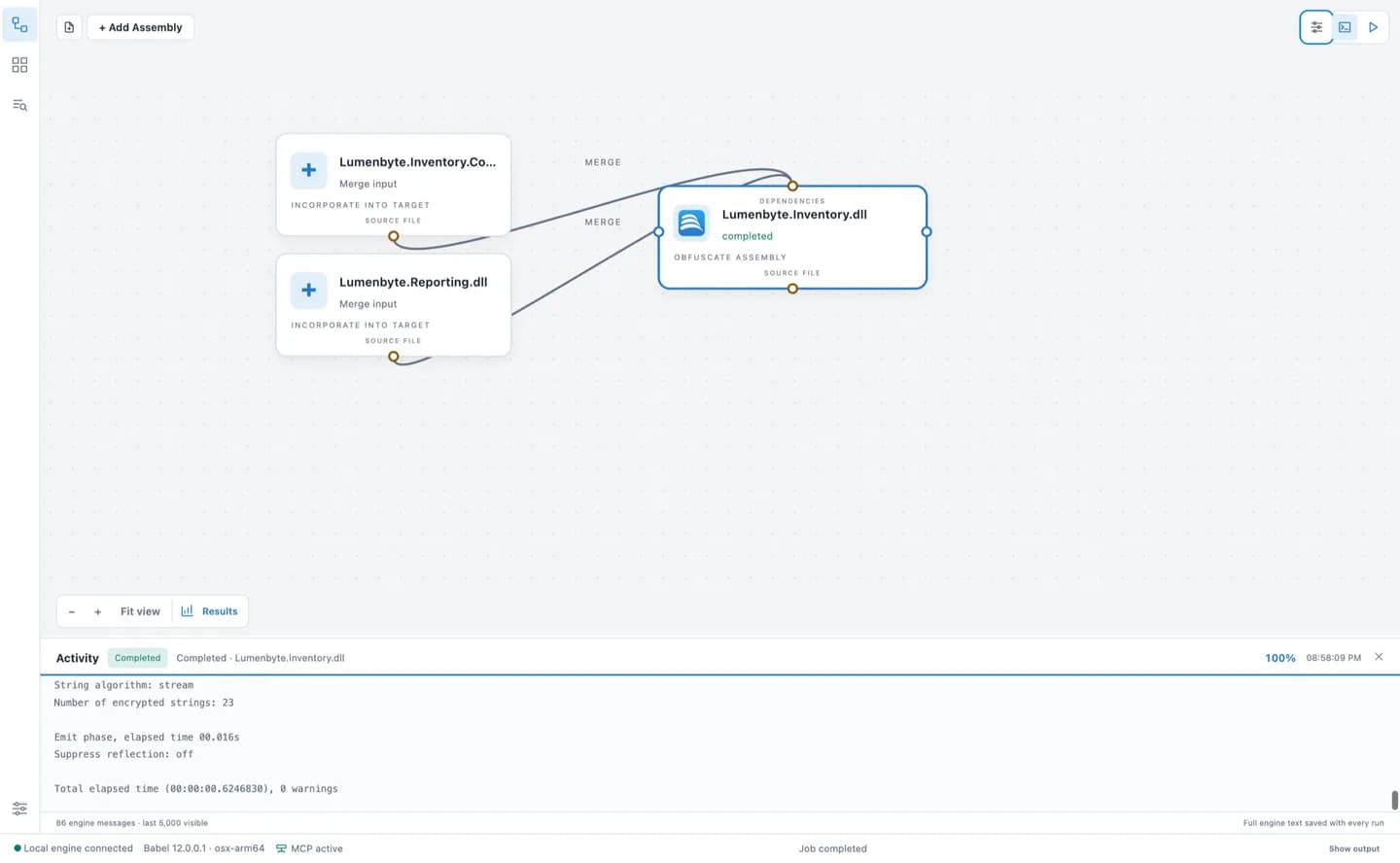
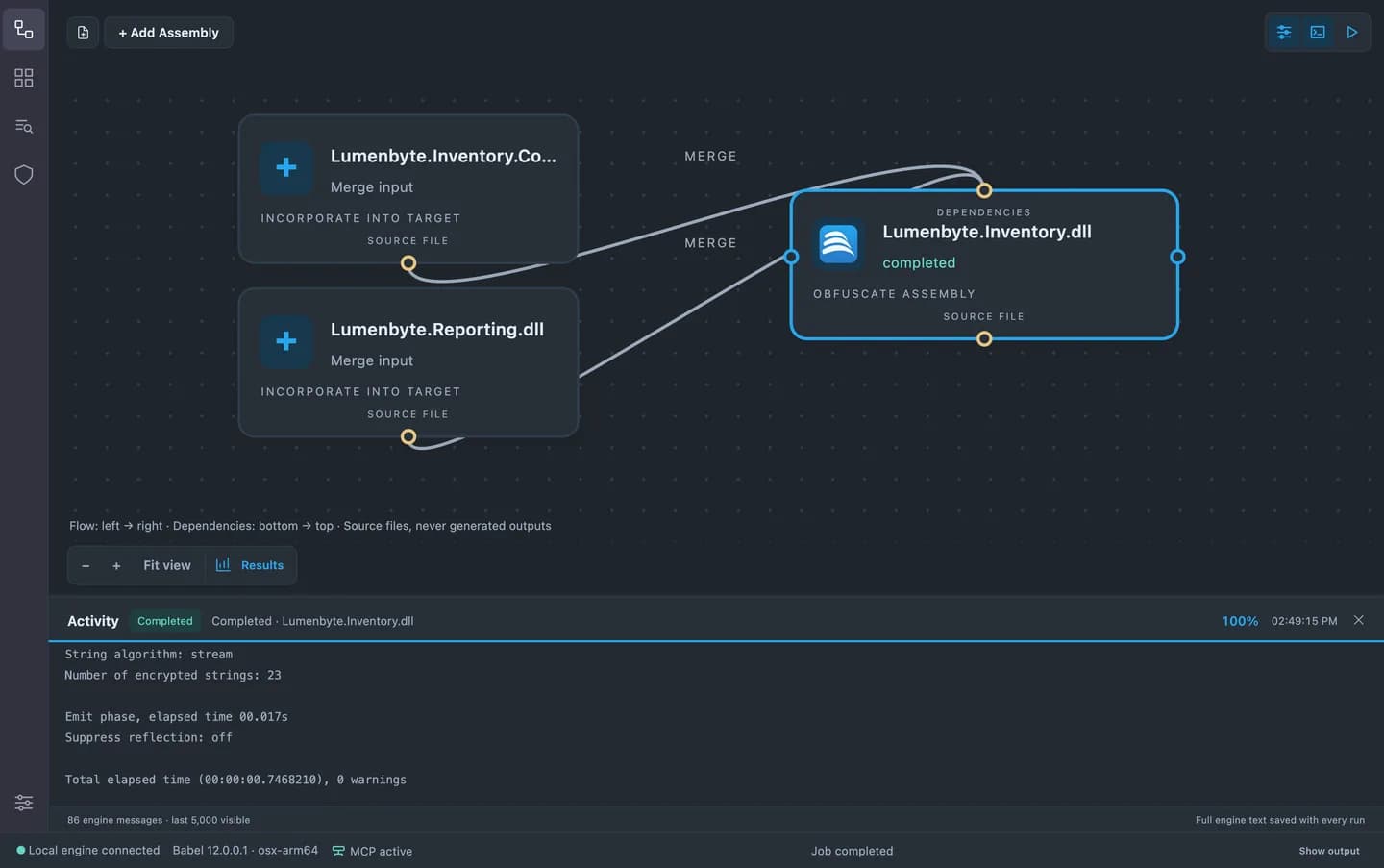
03 / BABEL DESKTOP
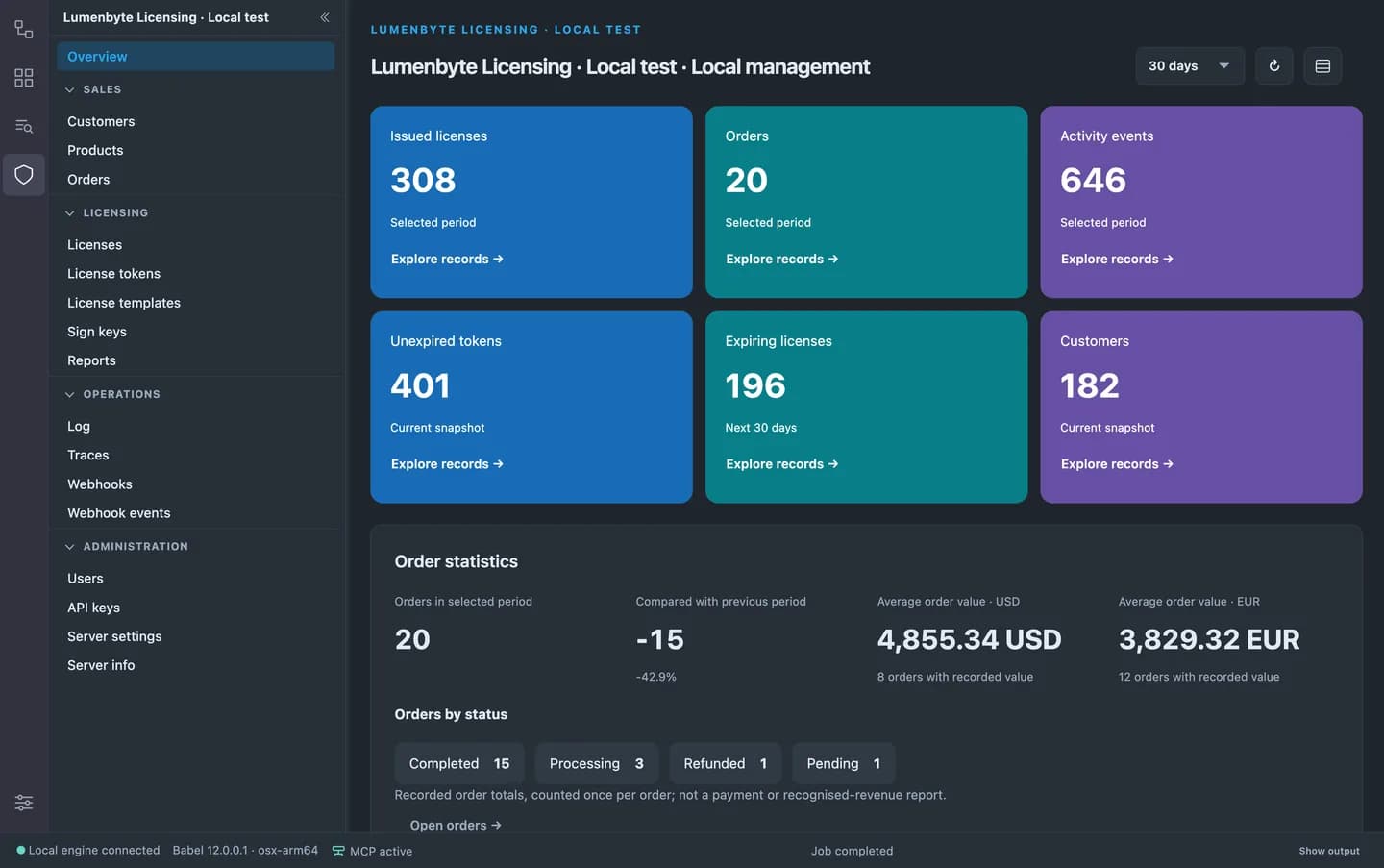
Choose a theme, change the interface language, or install a .babelext extension. English, Italian, French, German and Spanish ship with the app. The extension SDK is MIT licensed.
Read the documentation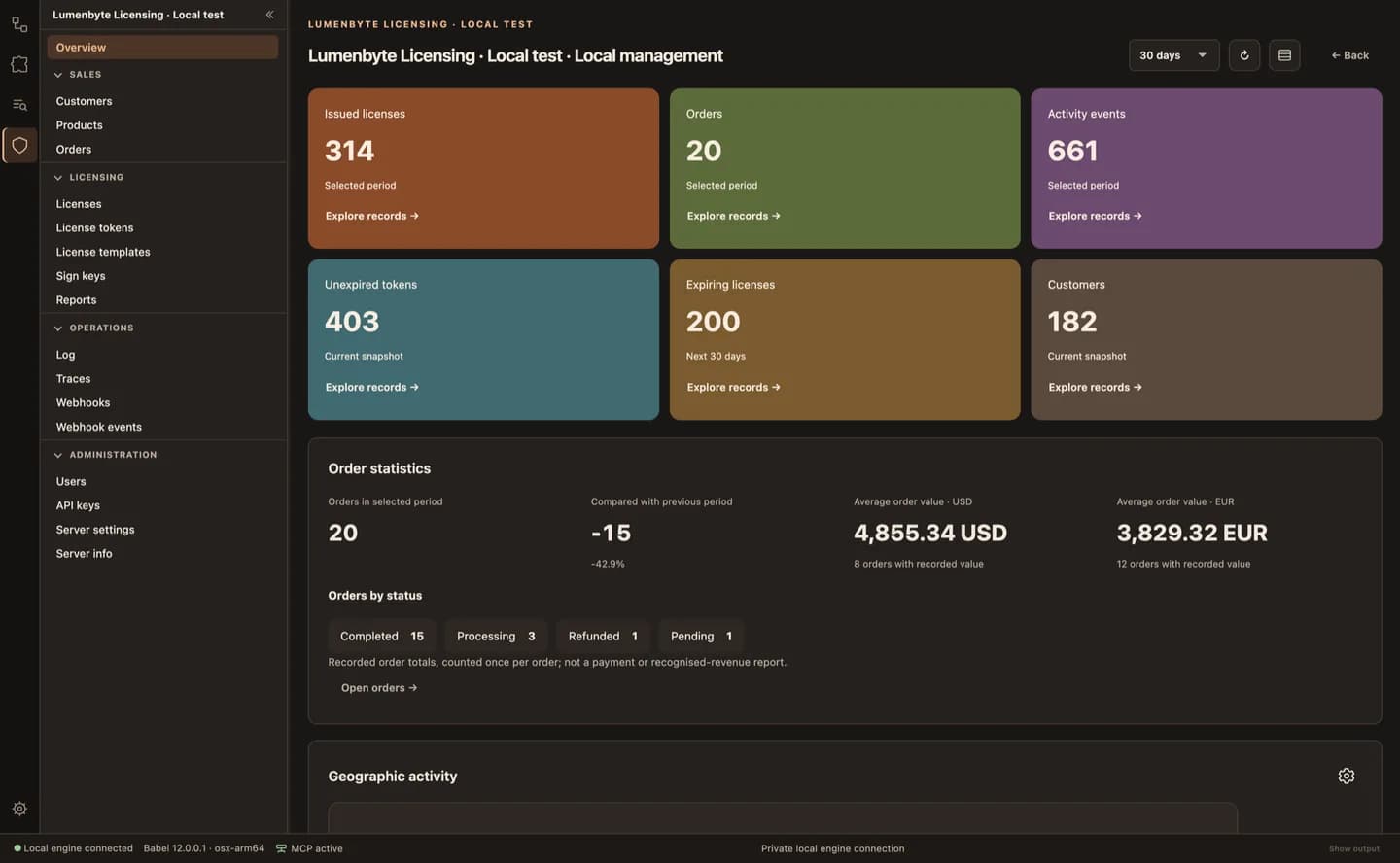
04 / BABEL DESKTOP
The bundled Licensing extension connects to your Licensing Service. Browse customers, products, orders, licenses and reports using the permissions of your service profile. A Server or Data Center license is required, or an unlicensed evaluation installation.
Read the documentation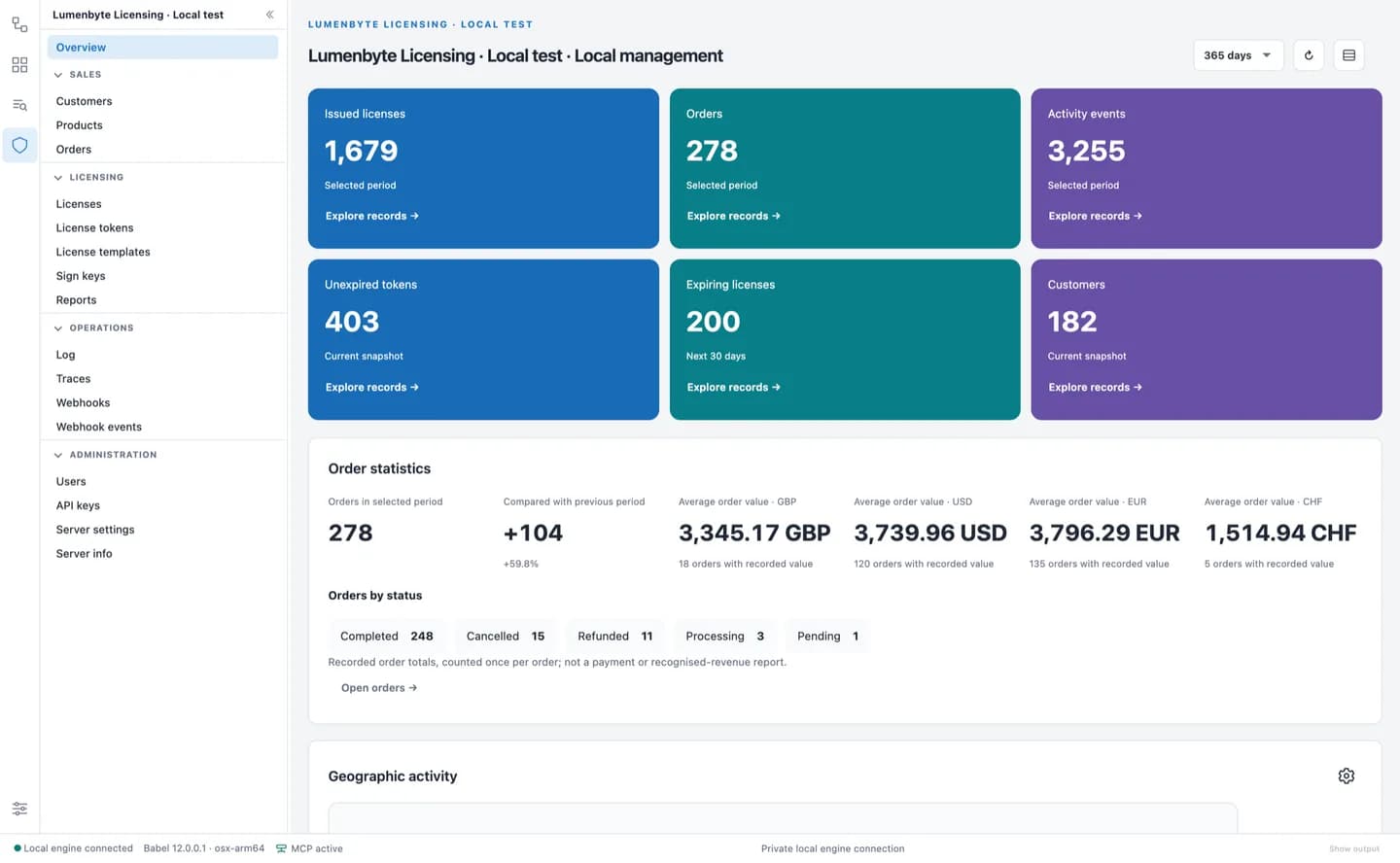
05 / BABEL DESKTOP
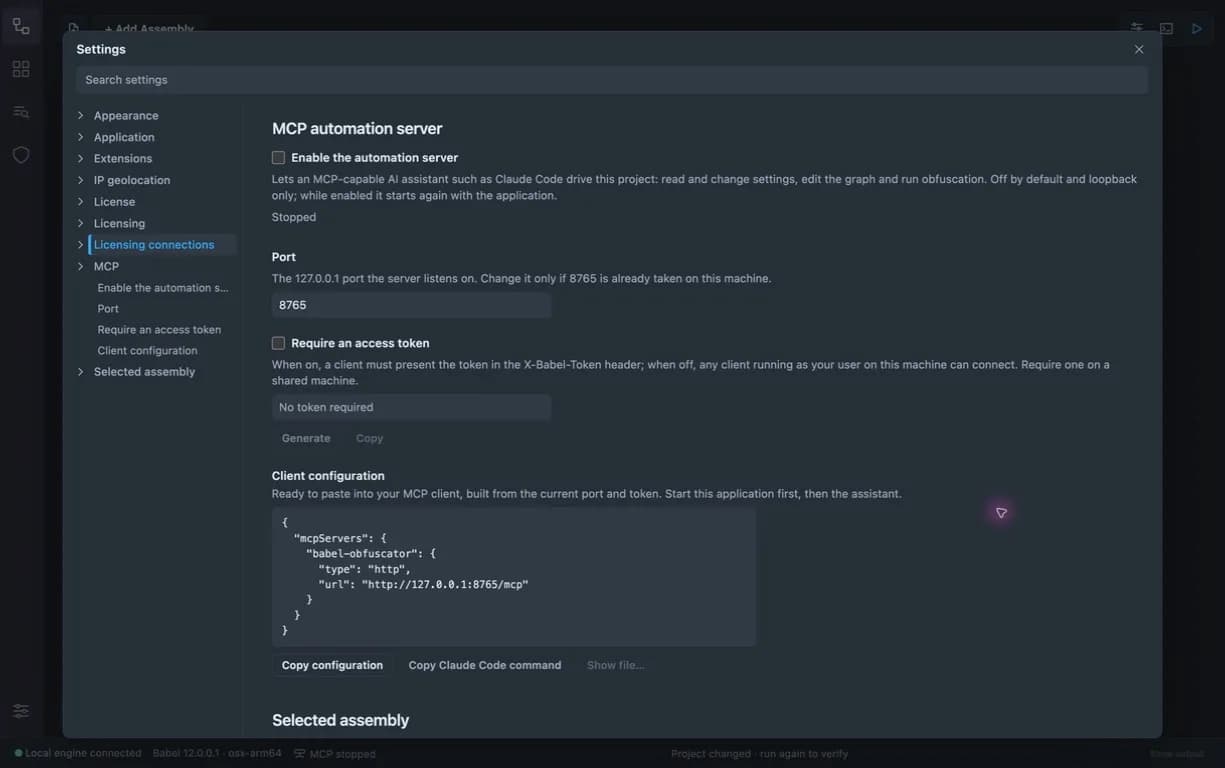
Enable the local MCP server in Settings and connect a compatible AI client. The v12 documentation tools are available through this installed app. Changes that need confirmation stay under your control.
Read the documentation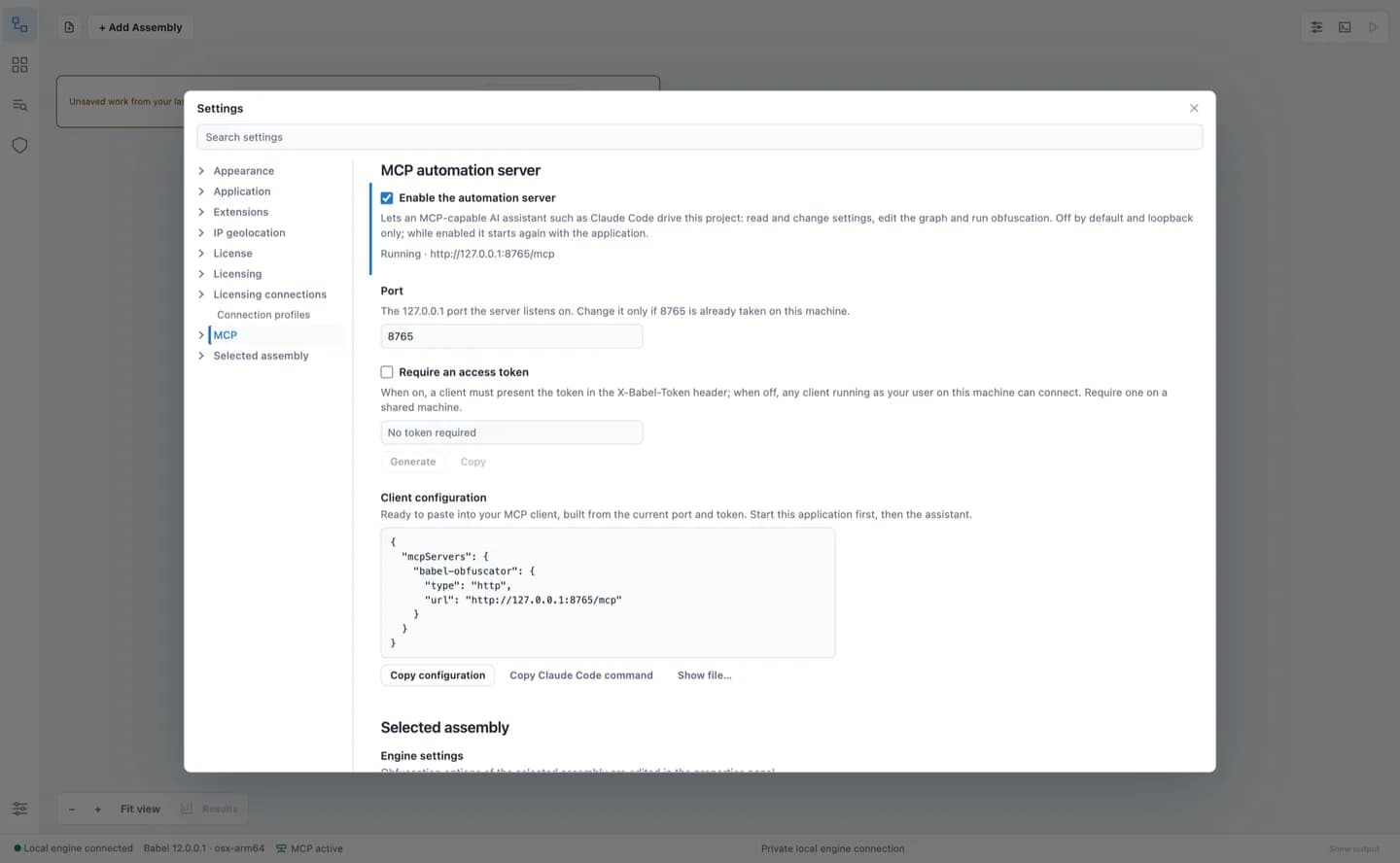
IN THE TOOLBOX OF TEAMS AT










START WITH BABEL
Try Babel Desktop, explore the tools, and choose the edition that fits your work.