
Protect a project
“Apply control flow and string encryption to this project, then show me the warnings.”
AI & AUTOMATION
Use an AI client with the installed Desktop app, automate a Licensing Service, or integrate the CLI in your pipeline. Choose the connection that fits your work.
01 / BABEL DESKTOP MCP
Enable MCP in Settings → MCP. Connect a Streamable HTTP client to the loopback endpoint. Tools can open projects, update settings, run obfuscation, inspect results and decode stack traces.
The v12 docs_search, docs_read and docs_list tools read product documentation through the installed app. They are not tools on this website.
The server is off by default. Configure an access token. Changes that could overwrite work use a short-lived, single-use proposal followed by explicit confirmation.
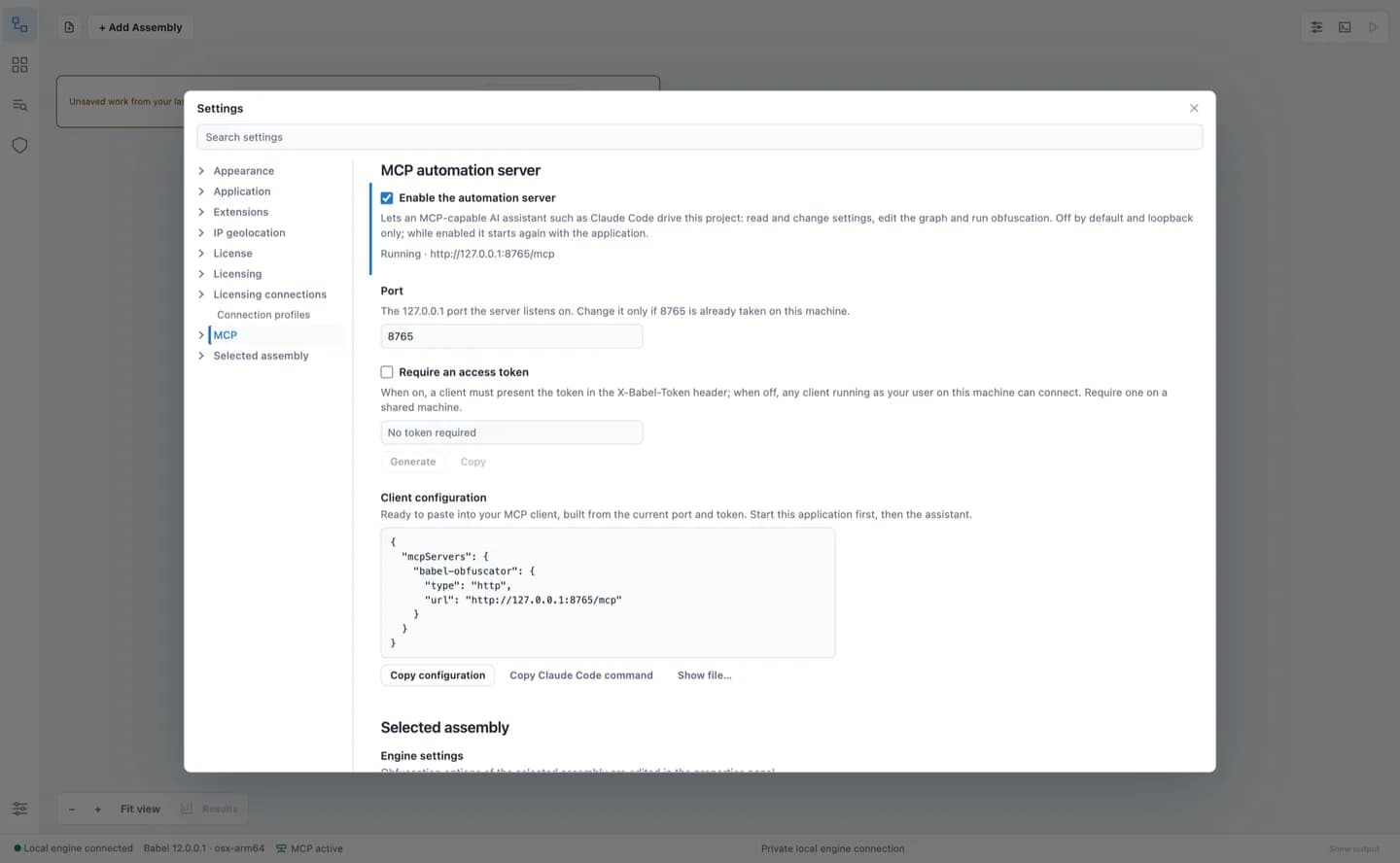
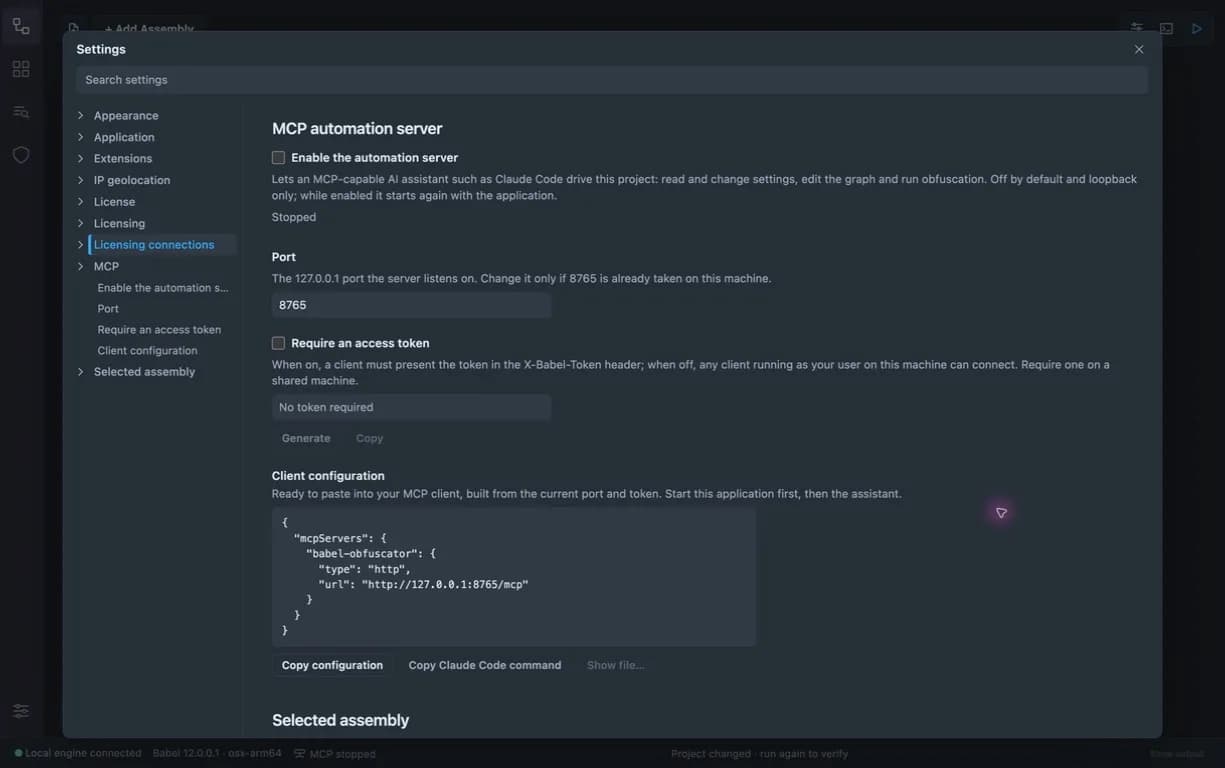
Copy the configuration and replace the token placeholder with the value from your app. Keep the service on 127.0.0.1. The tools use the same license and profile permissions as the interface.
{
  "mcpServers": {
    "babel-obfuscator": {
      "type": "http",
      "url": "http://127.0.0.1:8765/mcp",
      "headers": {
        "X-Babel-Token": "<token from Settings > MCP>"
      }
    }
  }
}claude mcp add --transport http babel-obfuscator http://127.0.0.1:8765/mcp --header "X-Babel-Token: <token>"
“Apply control flow and string encryption to this project, then show me the warnings.”
“Decode crash.txt with the Acme.exe map file and identify the original method.”
“Explain MSIL encryption with a password, then prepare the change for this target.”
02 / LICENSING DATA CENTER
The Licensing MCP server is included with Data Center. It exposes service operations for customers, products, orders, licenses, tokens and reports to authenticated automation clients.
It is part of the Data Center service, not a separate public download. Use it for a hosted licensing operation; use Desktop MCP when your work is already in the installed app.
Read the Licensing AI integration guide ↗03 / CLI & BUILD PIPELINES
The babel CLI and v12 lic CLI accept text, JSON and NDJSON output. JSON help describes their options. Quiet mode keeps the output clean; strict exit codes let a build distinguish invalid arguments, missing inputs and licensing failures.
babel --help --format json
lic --help --format json
babel --project project.babel --format ndjson --quiet --strict-exit
| 0 | 10 | 20 | 30 | 40 | 50 |
|---|---|---|---|---|---|
| Success | Invalid arguments | Input not found | Processing error | License error | Key / signature error |
04 / DOCUMENTATION
The documentation includes AI-readable files: llms.txt, llms-full.txt, docs-index.json and Markdown page exports. No site account or hosted chat session is needed.
START WITH BABEL
Try Babel Desktop, explore the tools, and choose the edition that fits your work.